
Perplexity is a search-first client, which changes what connecting a local MCP server is actually good for. Where Claude and ChatGPT will happily sit in a long tool-using conversation, Perplexity is at its best when your local data is one input to a question it is already answering from the web: check what a document in your archive says, then compare it against current sources.
Connectors live on your account page rather than in a per-chat menu, so once one is added it is available without any per-conversation toggle.
Warplet is a macOS app that connects hosted AI clients to MCP servers running locally on your Mac. If you have not set it up yet, start with How to use Warplet.
Before you start
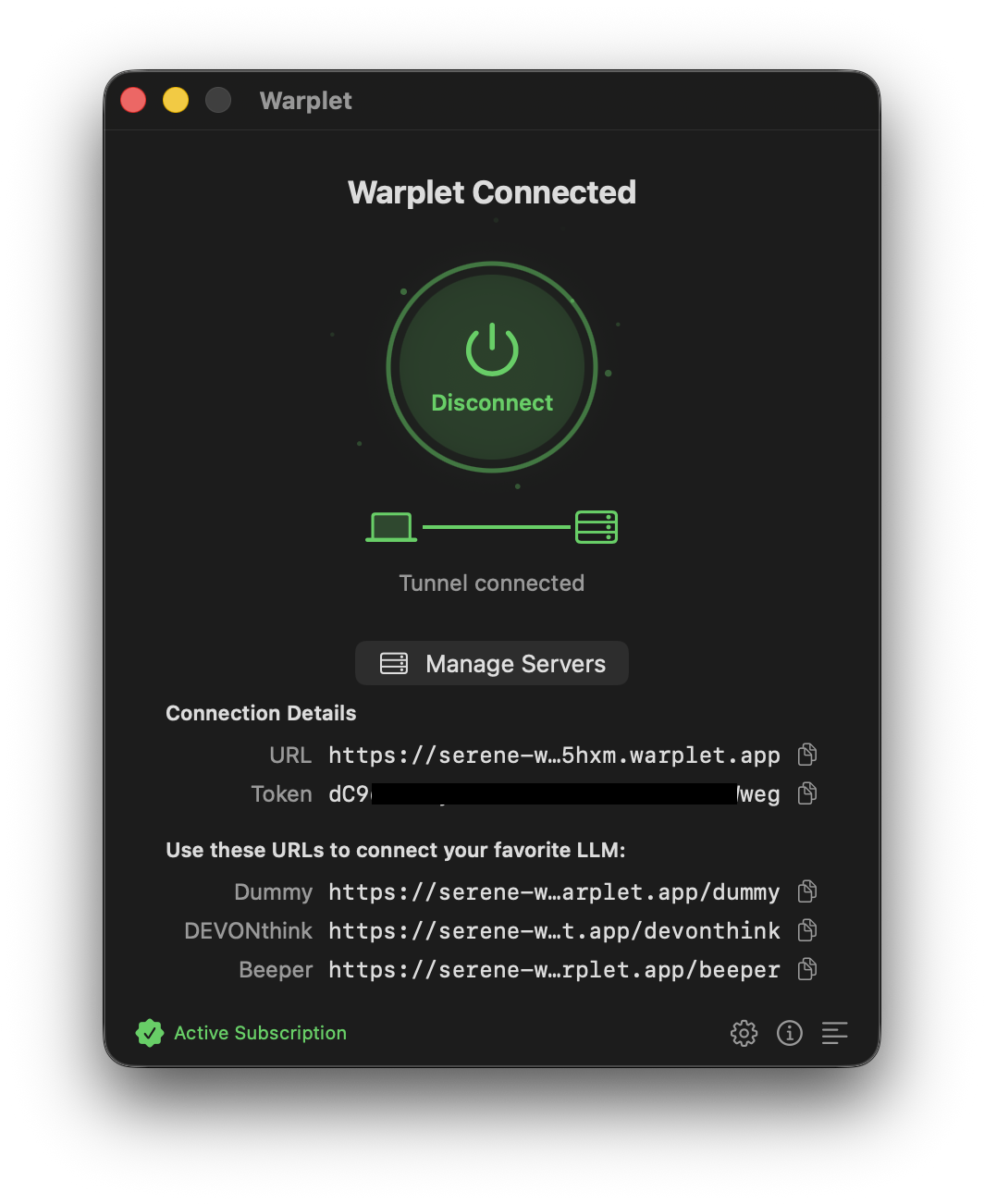
Make sure Warplet is running and connected. The app lists one URL per MCP server under Use these URLs to connect your favorite LLM. Each URL routes to a specific MCP server: the DEVONthink URL routes to the DEVONthink MCP server, the Beeper URL to the Beeper MCP server, and so on. Copy the URL for the server you want to connect.
Add the connector
-
Navigate to your Perplexity account connectors page: https://www.perplexity.ai/account/connectors.
-
Click the Add Custom Connector button.
-
A form will appear. Fill it out with the following details:
- Name:
Warplet(or the name of the app you're exposing) - Remote URL: your Warplet MCP URL, copied from the app
- Name:
-
Save the new connector.
-
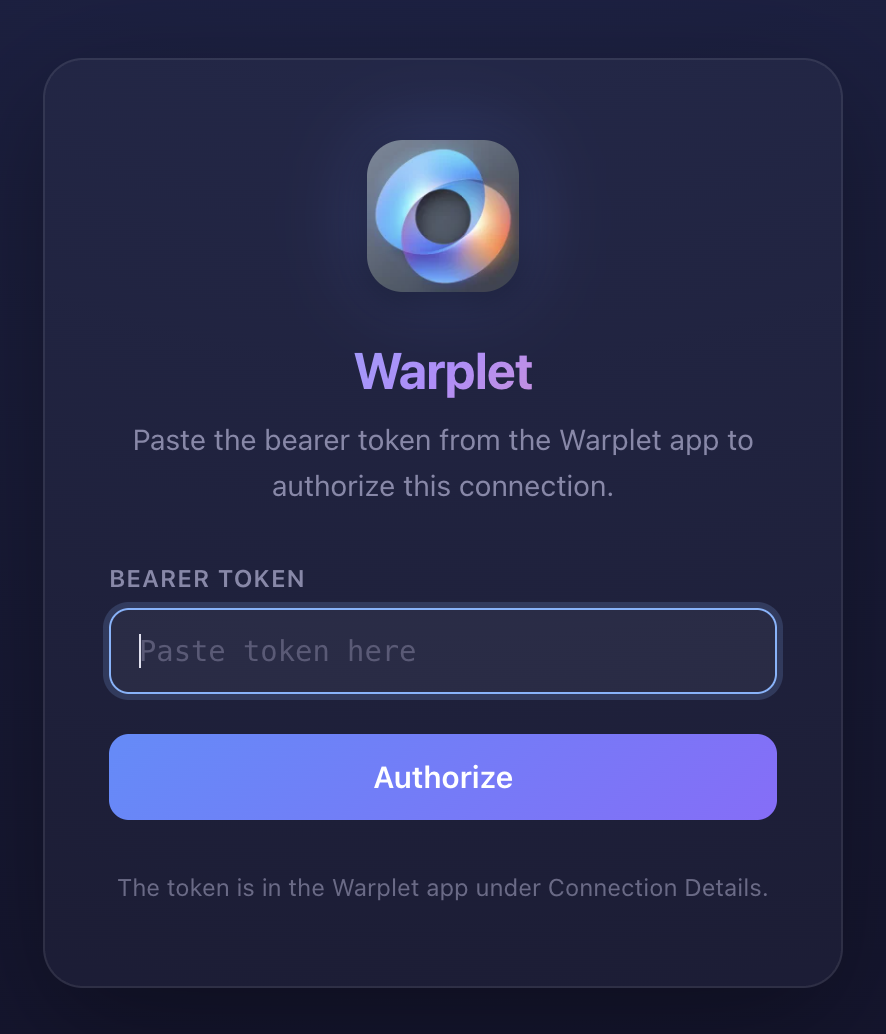
Click the Connect or Authorize button next to your newly created connector. When the Warplet authorization page appears, paste the bearer token shown in the Warplet app and approve.
Once connected, you can start using your local tools directly within Perplexity.
What the authorization step is doing
Perplexity does not ask you to create an account with Warplet. It runs the OAuth 2.1 flow that MCP clients expect: it reads the discovery metadata from your tunnel, registers itself, and sends you to a Warplet-hosted page that asks for your bearer token. That token is the credential Perplexity presents on every later request, and it is the only thing gating access to your tunnel, so treat it like a password.
Troubleshooting
The connector saves but will not connect. Warplet has to be running with a live tunnel at the moment Perplexity fetches the URL. Open the app and confirm it shows as connected, then click Connect again.
You get a 401. The bearer token presented did not match the one Warplet expects. This is almost always a token that was regenerated in the app after the connector was authorized. Reauthorize and paste the current token.
Perplexity answers from the web instead of using your tools. This is Perplexity being Perplexity, not a broken connector. Ask in a way that names the source, for example "search my DEVONthink archive for..." rather than a question it can answer without you.
A tool Perplexity calls no longer exists. The tool list is fetched when the connector authorizes and cached after that. If you changed which servers Warplet exposes, reauthorize the connector to refresh it.
Calls fail even though the connector is connected. Check the local MCP server is actually running. Warplet forwards to localhost and cannot start the app for you.
Now connect an actual app
The connector above gives Perplexity a path to your Mac. What it can do once it is there depends on which local MCP server that URL points at:
- Use DEVONthink with any AI client
- Use Obsidian with any AI client
- Use NotePlan with any AI client
- Use Beeper with any AI client
- Use Google Chrome with any AI client
- Use Home Assistant with any AI client
You can add as many connectors as you have servers. Each Warplet URL is added separately.